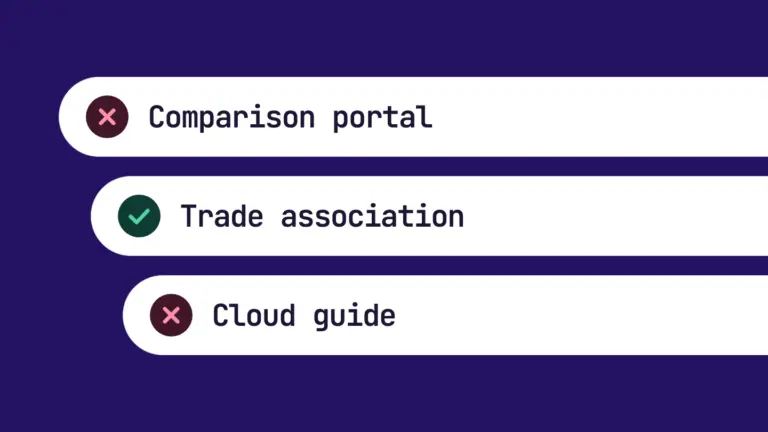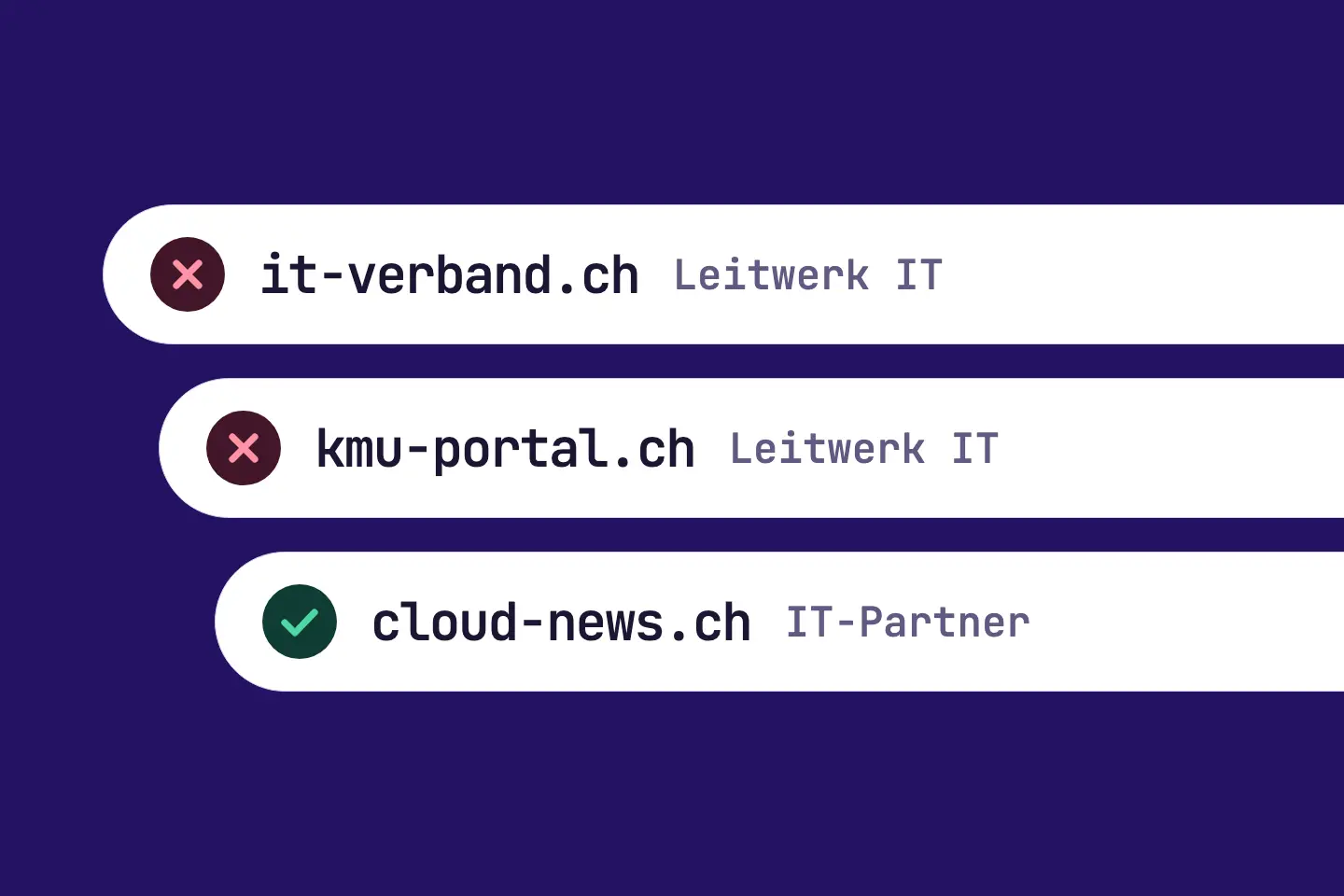
An industry directory lists two of your competitors with a link. A trade blog recommends three providers from your market. Your website is on none of these pages.
The RankScan measure “Missing backlink” looks for exactly these domains. It belongs to the Search visibility describes how present and findable a website is in the organic search results. It is not the same as traffic, but reflects theoretical findability.Open glossary entry → category. A domain that already links to providers in your market knows the topic. A link from there is therefore an obvious step when building backlinks.
This article explains when RankScan reports the measure, which path fits which type of domain and how RankScan checks the link.
A good backlink does not come from asking for a link. It comes because your website helps the readers of the other domain.
- “Missing backlink” means: a domain links to at least two providers in your market, but not to your website.
- The basis is the off-page scan. It runs once a month.
- Rating in RankScan: medium severity · effort depends on the type of domain · work type Editorial.
- Effort is low for directories and associations, high for press and medium otherwise.
- The type of domain chooses the path: listing, forum answer, contacting the author, an offer to the editors, membership or partnership.
- If the operator asks for money, the link must be marked as advertising (rel="sponsored").
- How RankScan checks it: the next off-page scan looks for the link. If it finds it, RankScan reports “Fixed”.
- Backlinks are available from the Pro plan.
What Is a Missing Backlink? #
A backlink is a link from another website to your website. A missing backlink is a link that your competitors have and you do not. The analysis behind it is often called a backlink gap.
For this, RankScan compares the referring domains of your competitors with your own. Referring domains are the websites that link to a domain.
For the comparison, RankScan first takes the competitors you have added. Then come the providers from the Search comparison of your topics, the leader first. In the Pro plan, RankScan compares up to 5 domains, in the Enterprise plan up to 10.
When Is “Missing backlink” Created? #
The measure is created per external domain when all conditions apply:
- The benchmark is the last completed off-page scan whose backlink comparison returned data.
- This scan lists the domain under “Missing backlinks”.
- It links to at least two providers in your market. Subdomains of a provider count as one provider (de.example.com equals example.com).
- The domain is not itself a provider, so not an active competitor and not a brand in your market.
- The domain is not a platform with user posts such as gutefrage.net.
Rating in RankScan: medium severity · low, medium or high effort, depending on the type of domain · work type Editorial.
How Many Measures Are Open #
RankScan keeps at most three “Missing backlink” measures open per website. The selection first looks at the priority of the topic, then at the number of linked providers. RankScan opens new measures from “Lost ranking”, “Gap to the leader” and “Missing backlink” only up to five combined. Measures that are already open stay open.
What RankScan Shows #
The title names the domain and usually its type, for example “Get a link from example.com (directory)”. For comparison portals and other domains, the title shows no type. The problem statement names the providers the domain already links to. From the fourth provider on, it shows the number of the rest, for example “and 2 more”.
If a linked provider is specifically assigned to an active topic as a competitor, the measure appears in that topic. A competitor that applies to all topics does not count for this. Otherwise the measure appears outside the topics.
The “Backlinks” Page #
The measure is based on the “Backlinks” page in RankScan. You find it in the Search Visibility area, tab “Backlinks”. It has two parts:
- Referring domains: how many domains link to your website and to your competitors' websites. It also shows the number of backlinks and the change.
- Missing backlinks: domains that link to competitors, but not to you. Each domain shows the linked providers and the type of domain.
Some rows carry the note “also cited by AI”. This domain links to your competitors and also appears as a source in AI answers. How to win mentions on these sources is explained in the article on cited pages and brand mentions.
Without the Pro plan, the page only shows the note “Backlinks are part of the Pro plan.”. Then no “Missing backlink” measure is created either.
The Paths for Each Type of Domain #
RankScan assigns each domain a type. The type chooses the title, the measure and the steps.
| Type of domain | Core of the measure | Effort |
|---|---|---|
| Directory | create a listing with a link | low |
| Association | get listed as a member with a link | low |
| Forum | answer a matching question | medium |
| Blog | contact the author with a hook | medium |
| Industry | offer an expert article, a reader offer or a partnership | medium |
| Press | offer the editors a news story, a study or a quote | high |
| Comparison portal or other | contact the operator with a concrete reason | medium |
The first step is the same for every type: open the domain and find the pages that link to providers in your market. This shows you the context of the links.
Directory #
- Open the domain and find the pages that link to providers in your market.
- Create a listing on the domain with a link to your website.
- Mark the measure as done once the link is online.
In the listing, use the same details as on your website: company name, address and phone number.
Association #
- Open the domain and find the pages that link to providers in your market.
- Check internally whether you are a member of the association.
- If you are a member, ask the office for the listing with a link. Otherwise, weigh up whether a membership is worth it.
- Mark the measure as done once the link is online.
Forum #
- Open the domain and find the pages that link to providers in your market.
- Answer a matching question and link to your website where it helps.
- Mark the measure as done once the link is online.
The answer counts, not the link. A link only belongs in the answer if it answers the question better.
Blog #
- Open the domain and find the pages that link to providers in your market.
- Find out why the providers are listed there: membership, partner programme, advertising or an article.
- Contact the author. Offer a hook: test access, your own data or a quote.
- If the providers are listed through an partner programme, offer your own partner programme.
- Mark the measure as done once the link is online.
Industry #
- Open the domain and find the pages that link to providers in your market.
- Find out why the providers are listed there: membership, partner programme, advertising or an article.
- Contact the operator. Offer an expert article, an offer for their readers or a partnership.
- Mark the measure as done once the link is online.
Press #
- Open the domain and find the pages that link to providers in your market.
- Agree on the topic with your PR or communications team.
- Offer the editors a news story, a study or an expert quote.
- Mark the measure as done once the link is online.
Comparison Portal and Other #
- Open the domain and find the pages that link to providers in your market.
- Find out why the providers are listed there: membership, partner programme, advertising or an article.
- Contact the operator. Give a concrete reason why your website helps their readers.
- Mark the measure as done once the link is online.
Labelling Paid Links Correctly #
Some domains ask for money for a listing or an article. That is allowed if the link is marked as advertising.
Google names the attribute rel="sponsored" for this. Google also accepts rel="nofollow", but prefers sponsored. For links from user posts such as forums and comments, Google recommends rel="ugc".
Source: Google Search Central: Qualify your outbound links
Bought links without a label violate Google's spam policies. Among other things, Google lists as link spam:
- money, goods or services in exchange for links, including a free product in exchange for a write-up with a link
- excessive link exchanges following the pattern “link to me and I'll link to you”
- links from low-quality directories or bookmark sites
- forum posts or signatures with optimised links
Source: Google Search Central: Spam policies
For the steps this means: test access for an author is a hook, not a trade. Whether and how the author links is up to them. If an operator chooses a paid listing, you ask for the label.
How RankScan Checks It, and Patience #
Mark the measure as done once the link is online. RankScan then checks it with the next off-page scan. The scan runs once a month.
If the scan finds the link from the domain, RankScan reports “Fixed”. Until then, the measure stays reported. So up to a month can pass between marking it as done and the check.
The measure also closes without your link, namely as “Replaced”. That happens when the domain is no longer among the missing backlinks in the last scan. It also happens when you ignore or delete the off-page recommendation for this domain.
Common Mistakes #
Mistake 1: Asking for a Link Without a Reason #
A request without value for the readers usually goes unanswered. Give a concrete reason: your own data, an offer or an expert article.
Mistake 2: Not Checking the Context #
The first step opens the pages with the external links. Only there do you see whether the providers are listed as members, partners, advertisers or sources of an article.
Mistake 3: Not Labelling Paid Links #
A paid link without rel="sponsored" or rel="nofollow" violates the Google guidelines. Ask for the label.
Mistake 4: Advertising in the Forum #
A forum post that only places a link helps nobody. Answer the question, and only link where your website helps.
Mistake 5: Reporting Too Early #
Mark the measure as done only when the link is online. The off-page scan only finds links that already exist.
Example: Accounting Firm with a Missing Association Listing #
The example is invented and shows the process.
Initial Situation #
An accounting firm has added three competitors in RankScan. The off-page scan finds the website of a cantonal association of accountants. It links to two of the three competitors, but not to the accounting firm. RankScan reports “Get a link from the association domain (association)”.
Analysis #
- The links are in the association's member list.
- The accounting firm is a member, but is listed without a link.
Solution #
- Ask the office for the listing with a link to the website.
- Check whether company name and address match the website.
- Mark the measure as done once the link is online.
Result #
The next off-page scan finds the link from the association. RankScan reports “Fixed”.
Checklist: Missing Backlink #
The first item is what RankScan measures. The others are a general checklist.
- Does the off-page scan find the link from the domain?
- Have you opened the pages that link to providers in your market?
- Do you know why the providers are listed there?
- Does your path fit the type of domain?
- Does your request name a concrete benefit for the readers?
- Is a paid link marked with
rel="sponsored"? - Is the link online before you mark the measure as done?
- Have you marked the measure as done?
In addition, the SEO competitor analysis against the leader, brand mentions on cited pages and off-page signals help to move a topic forward in search.
FAQ About the Missing Backlink #
What is a backlink gap?
A backlink gap is the set of links your competitors have and you do not. RankScan shows them on the “Backlinks” page under “Missing backlinks”.
How does RankScan find missing backlinks?
Once a month, the off-page scan compares the referring domains of your competitors with your own. A measure is created when a domain links to at least two providers in your market, but not to you.
Why at least two providers?
A domain that links to several providers knows the topic of your market. A single link can also be a coincidence or a personal connection.
May I pay for a backlink?
Yes, if the link is marked as advertising, with rel="sponsored" or rel="nofollow". Bought links without a label violate the Google guidelines.
When does RankScan report “Fixed”?
When the next off-page scan finds the link from the domain. The scan runs once a month.
What happens if the domain does not set a link?
The measure stays reported. If the domain is no longer among the missing backlinks in the next scan, RankScan closes it as “Replaced”. The same applies if you ignore or delete the off-page recommendation for this domain.
Which plan includes this measure?
From the Pro plan. Pro compares up to 5 domains, Enterprise up to 10.
Conclusion: Get Links Where Your Market Already Is #
“Missing backlink” shows you domains that know your topic and already link to your competitors. That makes them good candidates for a link of your own.
The process:
- open the pages with the external links,
- find out why the providers are listed there,
- choose the path by the type of domain,
- offer a concrete benefit for the readers,
- have paid links marked with
rel="sponsored", - mark the measure as done once the link is online.
The next off-page scan then checks whether the link exists.